Turn your Google Maps listing into a real website.
To turn a Google Maps listing into a website, paste the listing's Maps link into Revwy. It reads the photos, reviews, hours, and contact details already on your listing and builds a unique, themed site in about two minutes — free, with nothing to design or host yourself.
What Revwy pulls from your listing
Your photos
Every public photo on your Maps listing becomes a gallery and a themed hero image — no uploads, no stock placeholders.
Your reviews & rating
Your star rating and recent reviews are surfaced as social proof, with structured data so search and AI engines read them too.
Your hours, map & contact
Opening hours, a free OpenStreetMap location tile, directions, and a tap-to-call button — straight from the listing, no API keys.
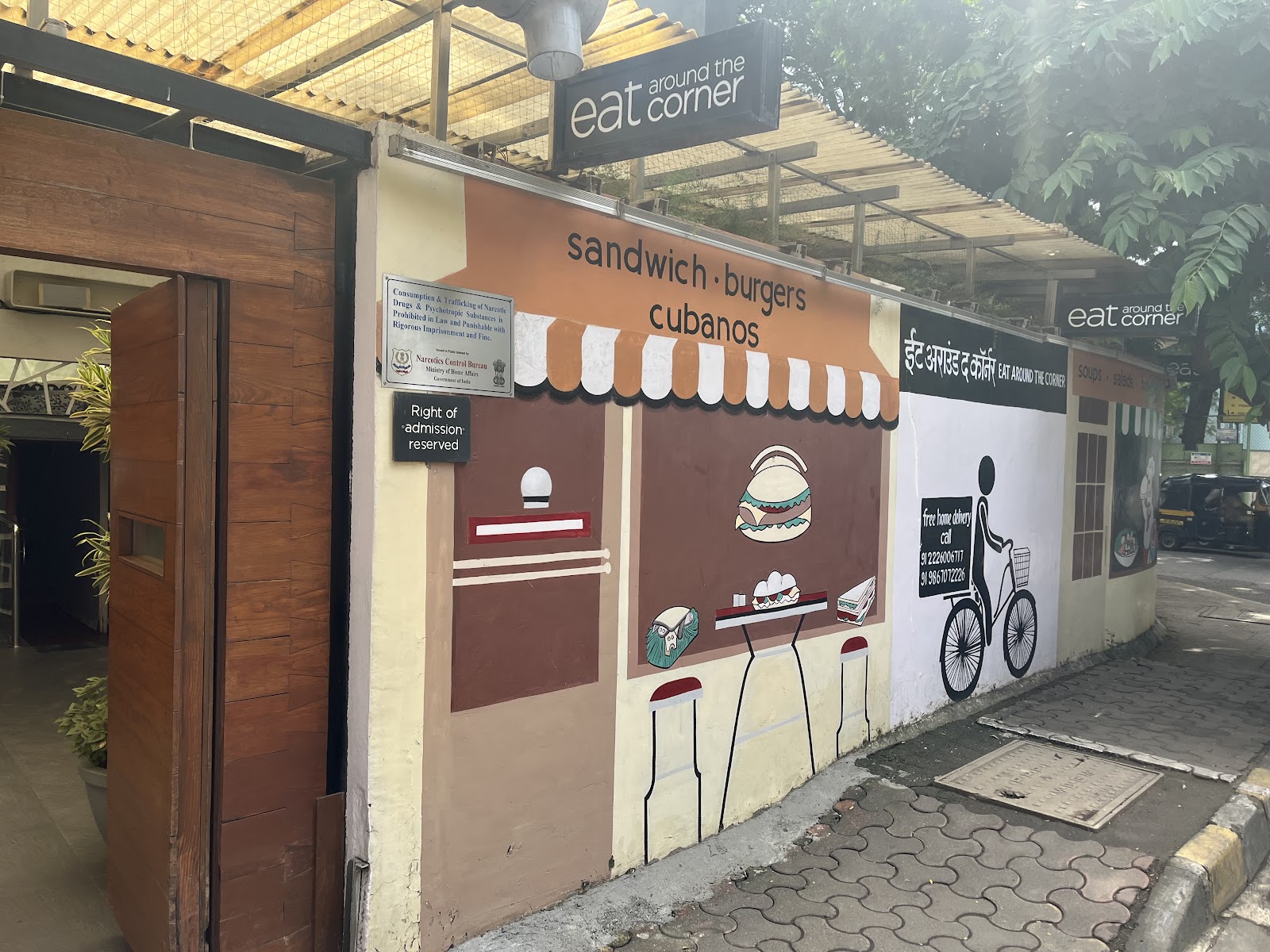
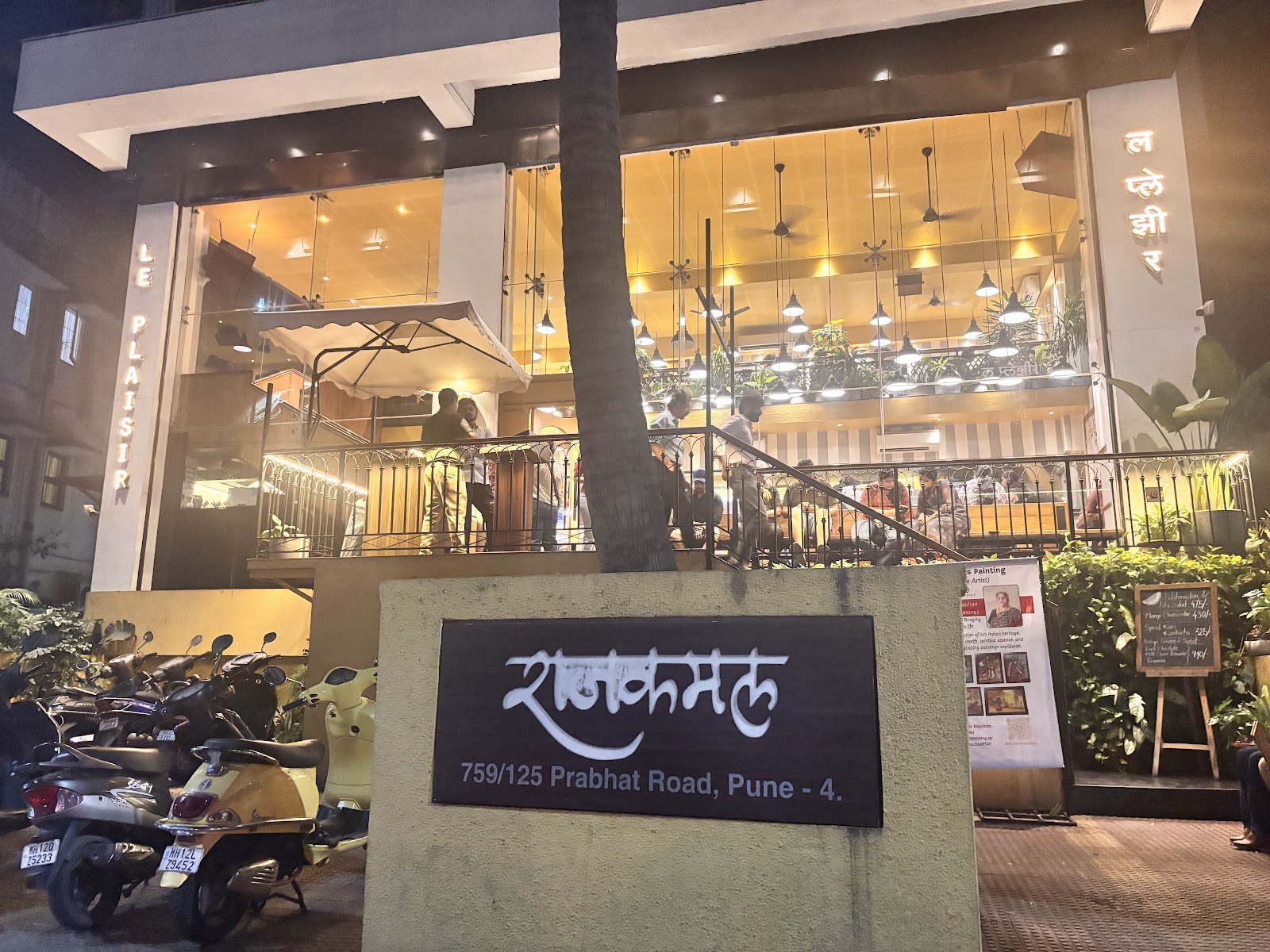
Sites built straight from a Maps listing

How do I turn my Google Maps listing into a website?
Copy your listing's share link from Google Maps (the google.com/maps/… or maps.app.goo.gl/… URL) and paste it into Revwy. We scrape the public information already on the listing — photos, reviews, rating, hours, category, and location — pick a theme tuned to your business type, and publish a live site in about two minutes.
There is nothing to install and no template to fill in. Because the site is built from data you already maintain on Google, it stays accurate to how your business actually presents itself, and you can claim it to edit copy, swap the theme, or connect a custom domain afterward.
Why build a website when I already have a Google listing?
A Google Maps listing is discovery, not a destination. It shows a fixed card inside Google's interface — you do not own the layout, you cannot tell your full story, and you cannot link it to a domain that is yours. A website is the page you control and the link you put on menus, receipts, packaging, and social bios.
It also matters for being found by AI. Answer engines like ChatGPT, Perplexity, and Google's AI Overviews cite web pages they can crawl; a real site with structured data gives them something to read and reference, where a Maps card alone usually does not.
Is the generated site really free?
Yes — generating and publishing a site is free, and it stays live for free. You only pay if you want extras like making the site private, connecting your own domain, or running more sites than the free tier allows. The free site is a complete, public, indexable page, not a watermarked trial.
Frequently asked questions
- What Google Maps link do I paste?
- Any public link to your listing works — the google.com/maps/place/… URL from your browser, or the short maps.app.goo.gl/… link from the Maps app's Share button. Revwy reads the public listing behind it.
- How long does it take?
- About two minutes. Revwy scrapes the listing, picks a theme matched to your category and photos, assembles the page, and publishes it live.
- Do I need to upload photos or write copy?
- No. The first site is built entirely from what is already on your Google listing. You can edit copy, reorder sections, and swap photos after you claim it, but nothing is required to publish.
- Can I use my own domain?
- Yes. Every site publishes on a free revwy.com address, and you can connect a custom domain on a paid plan.
Paste your Maps link — see your site in two minutes.
Free to generate, free to keep live. Claim it to edit, theme, and connect a domain whenever you're ready.
Generate my site